Seamlessly Display ACF Fields in Dokan’s New Product Editor
Add On for New Product UI Dokan bridges the gap between Advanced Custom Fields (ACF) and Dokan’s New Product UI, allowing vendors to create and edit ACF fields directly from the modern Dokan product editor.
Instead of switching between different interfaces or relying on the legacy product form, vendors can manage approved custom product fields directly within Dokan’s React-based product editor.
Key Features
Automatic ACF Field Detection
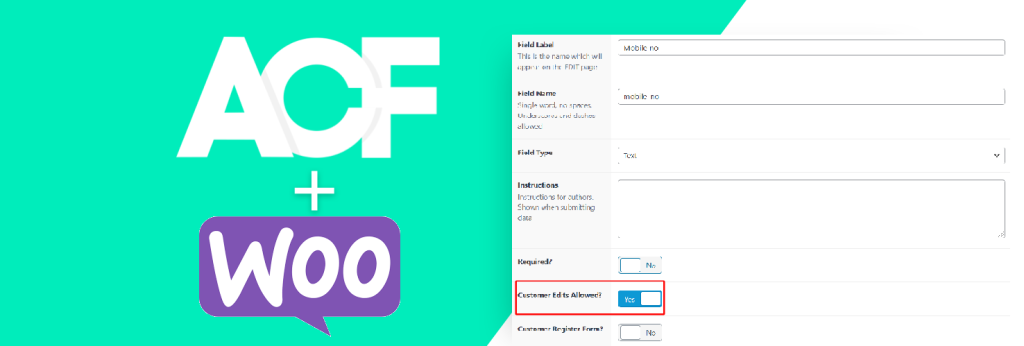
The plugin automatically discovers ACF Field Groups assigned to WooCommerce Products and makes them available inside Dokan’s New Product UI if they are marked as Vendor Edits Allowed – the option provided by ACF For Dokan PRO.
Vendor-Specific Field Control
Only ACF fields that are marked as vendor-editable are displayed to vendors, giving marketplace owners full control over which fields can be modified.
Dedicated Product Sections
Each eligible ACF Field Group is displayed as its own section within the Dokan Product Editor, providing a clean and organized editing experience.
Automatic Value Loading & Saving
Field values are automatically loaded when editing products and saved using ACF-compatible methods, ensuring full compatibility with existing product data.
Supports Common ACF Field Types
Current support includes:
- Text
- Textarea
- Number
- URL
- Select
- Radio
- Checkbox
- True/False
- Date Picker
- Date Time Picker
- WYSIWYG Editor
No Manual Configuration Required
Once activated, the plugin automatically detects eligible ACF field groups and integrates them into the Dokan New Product UI.
Why Use ACF Instead of Dokan Custom Fields?
While Dokan’s New Product UI includes a Custom Field feature, it does not currently provide a dedicated interface in the WordPress admin area for store administrators to easily view and manage values entered by vendors.
By using Advanced Custom Fields (ACF), all custom product data is stored using ACF-compatible fields, allowing administrators to view and manage the information directly from the standard WooCommerce product edit screen. This creates a more familiar workflow and improves visibility of vendor-submitted product data.
Requirements
- WooCommerce
- Dokan Pro (with New Product Editor enabled)
- Advanced Custom Fields (ACF)
- ACF For Dokan PRO
Current Limitations
Please note the following limitations in the current version:
- ACF Category-Based Location Rules are not yet supported.
- ACF Repeater Fields are not supported.
- ACF Flexible Content Fields are not supported.
- ACF Group Fields are not supported.
- ACF Clone Fields are not supported.
- ACF Gallery Fields are not supported.
- ACF Relationship and Post Object Fields are not supported.
- Complex conditional logic from ACF is not currently replicated inside Dokan’s New Product UI.
Perfect For
- Multi-vendor marketplaces using Dokan Pro
- Store owners using ACF to extend product data
- Marketplace administrators who want vendors to manage custom product information
- Businesses migrating from Dokan’s classic product form to the New Product UI